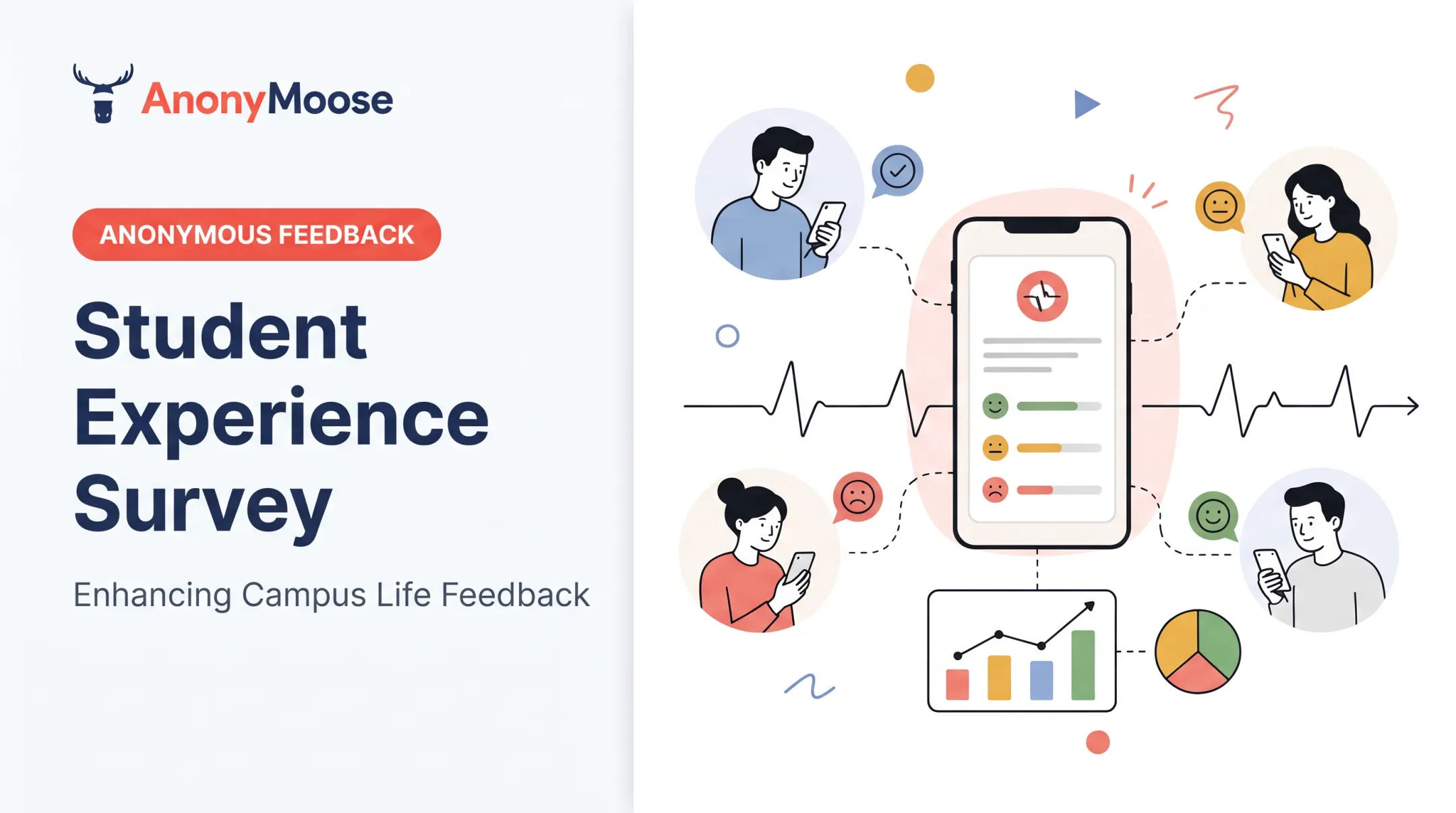
Student feedback tools fill that gap. They surface confusion, motivation, belonging, and participation barriers while there's still time to act, not three weeks later on a test. This article matches feedback tools to specific goals, covers how to protect student privacy, and explains how to close the loop so students see that their input actually changes something.
Key Takeaways
- Tie every feedback question to a clear instructional purpose and a next action
- Mix real-time checks, reflection prompts, pulse surveys, peer feedback, and anonymous channels
- Choose tools for accessibility, anonymity, and data handling—not feature count
- Students engage more when teachers close the loop and show what changed
Why Student Feedback Tools Matter for Classroom Engagement
Feedback gives students a structured way to flag what's helping or hurting their learning: confusion over instructions, an unmanageable workload, pacing that's too fast, or a classroom climate where they don't feel comfortable speaking up. Without a structured channel, that information either never surfaces or arrives too late to matter.
There's a direct link between being heard and engaging in class. Students who believe their input shapes instruction and classroom routines participate more willingly.
A 2022 study of student voice and engagement across 67 Philadelphia urban high schools, published in The Urban Review, found measurable connections between students reporting that they had voice in their classrooms and their reported engagement levels (Conner, Posner, and Nsowaa, 2022).
Feedback is not the same as a satisfaction survey. "Did you like today's lesson?" tells you almost nothing actionable. Useful feedback asks about observable conditions:
- Was the pacing too fast or too slow?
- Did the instructions make sense before you started?
- Did group roles feel fair?
- What's one thing that would help you right now?
Frequent, well-timed feedback lets teachers catch misconceptions before they harden into bigger problems: the difference between reteaching a concept in five minutes versus reteaching an entire unit.
How Feedback Supports Teachers and Students
Feedback supports both sides of the classroom:
- Teachers spot learning gaps, see who is hesitant to participate and why, and decide whether to reteach, regroup, or switch activities
- Students build metacognition by naming what's confusing, owning their learning, and practicing specific, constructive input
Consider one exit-ticket response: "I didn't understand the second example." That single comment could lead to three different responses:
- An instructional adjustment: reteaching the concept with a different example
- A process adjustment: slowing down and checking understanding before moving to independent work
- An honest explanation: telling students why the pacing can't change this week, but that extra support is available after class

Skipping the response step is the fastest way to kill engagement with feedback. If students fill out survey after survey and see nothing change, they stop bothering. Researchers call that pattern survey fatigue, and it shows up fast when feedback goes into a void.
Types of Student Feedback Tools and When to Use Them
Choose tools by the question you need answered, not by app popularity. A mid-lesson confusion check needs a different tool than a semester-long belonging survey.
Real-Time Response and Formative Assessment Tools
These tools answer one question: is this working right now? Polling, live quizzes, digital hand-raising, confusion checks, and word clouds all surface understanding during a lesson, while there's still time to adjust.
| Tool category | Best for | Format notes |
|---|---|---|
| Mentimeter, Poll Everywhere | Live polls, word clouds | Free tiers cap participant/response counts; confirm current limits |
| Formative, Pear Deck | Two-way checks during instruction | Built for pacing within a single lesson |
| Plickers | Low-tech classrooms | Printable response cards, no student device needed |
| Google Forms / LMS polls | Quick informal checks | Already built into many school accounts |
Match the format to the question. Multiple-choice and scale questions work for quick comprehension checks. Open-response works better for the "muddiest point": what's still unclear after the lesson. Anonymous settings tend to produce more candid responses, especially for questions students might hesitate to ask aloud.
Example: Before starting a new topic, a teacher polls prior knowledge with three quick questions. If most students answer incorrectly, she adjusts the opening activity on the spot instead of discovering the gap on next week's quiz.
Reflection, Exit Ticket, and Pulse-Survey Tools
Exit tickets, one-minute papers, 3-2-1 reflections, and periodic pulse surveys reveal patterns over days and weeks, not just a single class period. Tools like Google Forms, Microsoft Forms, Qualtrics, or Canvas surveys all support this, depending on what your institution has already approved.
The most useful format pairs a scaled question with one open-ended prompt:
- "On a scale of 1–5, how clear were today's instructions?"
- "What's one thing that would have made this clearer?"
The scale shows you the trend; the open-ended answer tells you why. Keep recurring surveys short and consistent (the same two or three core questions each time) so you can compare week over week instead of comparing apples to oranges.
Peer Feedback, Collaboration, and Discussion Tools
Peer review platforms, discussion boards, collaborative whiteboards, and shared documents let students give each other structured feedback, not just teacher-to-student. Padlet, discussion forums, Seesaw, and Canvas discussion features are common starting points.
This only works with some scaffolding:
- Model what constructive feedback sounds like before students try it
- Provide a rubric or sentence stems ("One thing that worked well was... One thing to consider is...")
- Build in time for revision after feedback, not just a grade afterward
Decide visibility settings deliberately: should peer comments be public to the whole class, limited to small groups, or reviewed by the teacher before posting? Younger students and sensitive topics usually call for more moderation.
Anonymous Feedback and Concern-Reporting Channels
Anonymity matters most for sensitive topics: classroom climate issues, belonging concerns, or feedback a student might fear sharing under their own name. A simple anonymous classroom survey can surface a group-work conflict or a bullying pattern that would never come up in a public discussion.
That said, anonymous instructional feedback and formal incident reports are not the same thing. Harassment, safety threats, and misconduct need to go through established school or district procedures, not a classroom polling app.
Edutopia documents one instructor reviewing brief anonymous course feedback with her class the following session, explaining exactly which suggestions she adopted (Edutopia, 2021). That approach is a solid model for instructional feedback, but not a substitute for incident reporting.
Classroom tools differ from organization-wide platforms. AnonyMoose, for instance, is built for anonymous employee feedback: staff engagement, DEI initiatives, workplace safety, and internal communication at the organizational level, through Openlines, Polls & Surveys, and Hotlines.
It fits when a school or district wants anonymous input from teachers and staff about engagement initiatives. It is not a student-facing classroom feedback tool, and it does not replace Title IX intake systems or federally mandated reporting infrastructure.

Whatever tool you use for student concerns, make sure staff and students know:
- Who can see responses
- What counts as anonymous versus confidential
- What happens after a concern is submitted
How to Choose the Right Student Feedback Tool
Start with the objective, not the tool list. Are you checking comprehension, measuring belonging, enabling peer review, or collecting sensitive concerns? Each answer points toward a different category of tool.
From there, compare on criteria that actually matter day-to-day:
- Response formats — multiple choice, scale, open text, or all three
- Real-time reporting — can you see results instantly or only after export
- Anonymity controls — optional, enforced, or absent entirely
- Device and bandwidth needs — does every student have reliable access
- Accessibility and language support — screen readers, translation, low-bandwidth options
- LMS integration — does it fit your existing Canvas, Google Classroom, or similar system
- Teacher workload — how much setup and grading time does it add
Ask vendors directly about student data handling:
- What is collected, and how long is it retained
- Whether data is shared with third parties
- Whether a student account is required at all
For K-12, tools must align with FERPA limits on sharing personally identifiable information and COPPA consent rules for students under 13, per FTC ed-tech COPPA guidance.
Decision rule: pick the simplest approved tool that answers your question, protects students appropriately, and is easy enough that you'll actually act on the results. Pilot it with one class before rolling it out school-wide.
How to Implement a Feedback Cycle That Leads to Action
A feedback tool is only as good as the cycle around it. Run this loop consistently:
- Explain the purpose
- Ask focused questions
- Review patterns
- Take a visible action
- Communicate back
- Check again

Prepare Students Before Collecting Feedback
Before you collect responses, set clear expectations:
- Why you're asking
- Who sees the responses
- Whether answers are anonymous
- What kinds of changes are realistically on the table
Neutral wording invites honesty without implying every suggestion becomes policy. Offer non-digital or low-tech alternatives for students with limited device access or disabilities.
Write Questions That Produce Actionable Answers
Tie each question to a real decision you can act on, such as pacing, instructions, group roles, workload, or participation opportunities.
- Balance scale questions with one open prompt like "What should we keep, change, or add more support for?"
- Avoid double-barreled questions that ask two things at once
- Skip leading questions such as "Don't you think group work went well?"
Analyze Responses and Look for Patterns
Look at aggregate trends across time, not a single response in isolation. One student's complaint isn't a classroom-wide pattern. Combine survey data with what you already see in student work, attendance, and conversations rather than treating one survey as the final word.
Close the Loop With Students
Share results with a simple structure:
- What we heard
- What we'll change
- What we can't change right now
Pick one or two feasible improvements, make them, and report back quickly. Then run a short check-in to see whether the change actually helped, and adjust again if it didn't.
Privacy, Accessibility, and Psychological Safety Considerations
A feedback tool should make honest participation easier, not riskier. That means thinking through anonymity settings, pseudonyms, minimum response thresholds before results display, and who has access to raw data.
Accessibility checklist:
- Screen-reader compatibility and keyboard navigation
- Plain-language question wording
- Mobile access for students without computers
- Translation or multilingual support
- Low-bandwidth or offline/paper alternatives
Access alone is not enough if students still fear how their words will be used. Psychological safety depends on clear expectations: ordinary instructional feedback follows one path, while safeguarding or misconduct concerns use a separate, documented escalation route.
Federal privacy law sets hard limits on collection and disclosure. FERPA restricts disclosure of personally identifiable student information without consent in most cases (U.S. Department of Education). The Protection of Pupil Rights Amendment adds extra consent requirements for surveys that touch mental health, beliefs, or similarly sensitive topics.
Check your district's own data policy alongside these federal baselines before adopting any new tool.
Frequently Asked Questions
What is the best way to give feedback to students?
Effective feedback is specific, timely, and tied to a clear learning goal: "your thesis needs one more supporting example" beats "good job." That's distinct from collecting feedback from students, which is what this article focuses on.
What are some examples of student feedback tools?
Common options include Mentimeter or Poll Everywhere for live polling, and Google Forms or Microsoft Forms for surveys and exit tickets. Peer-review platforms like Padlet or Seesaw and anonymous feedback channels are also widely used—confirm current features and institutional approval before adopting.
What are the five Rs of feedback?
One widely cited version from ASCD defines review, reflect, research, revise, and reinforce as steps students take when acting on feedback using a rubric (ASCD). Other sources define the five Rs differently, so cite your specific source.
How often should teachers collect student feedback?
It depends on purpose: quick real-time checks can happen every lesson, while structured pulse surveys work well weekly or every few weeks. Avoid over-surveying. There's no universal rule, but students notice when every class ends with another form.
Should student feedback be anonymous?
Anonymity often increases candor, especially for sensitive topics like classroom climate. It doesn't replace safeguarding procedures, though, and students should always know exactly who can see their responses.
How can teachers act on student feedback?
Review patterns rather than single comments, make one feasible change, explain your reasoning to students, and then check again to see if the adjustment actually helped.